








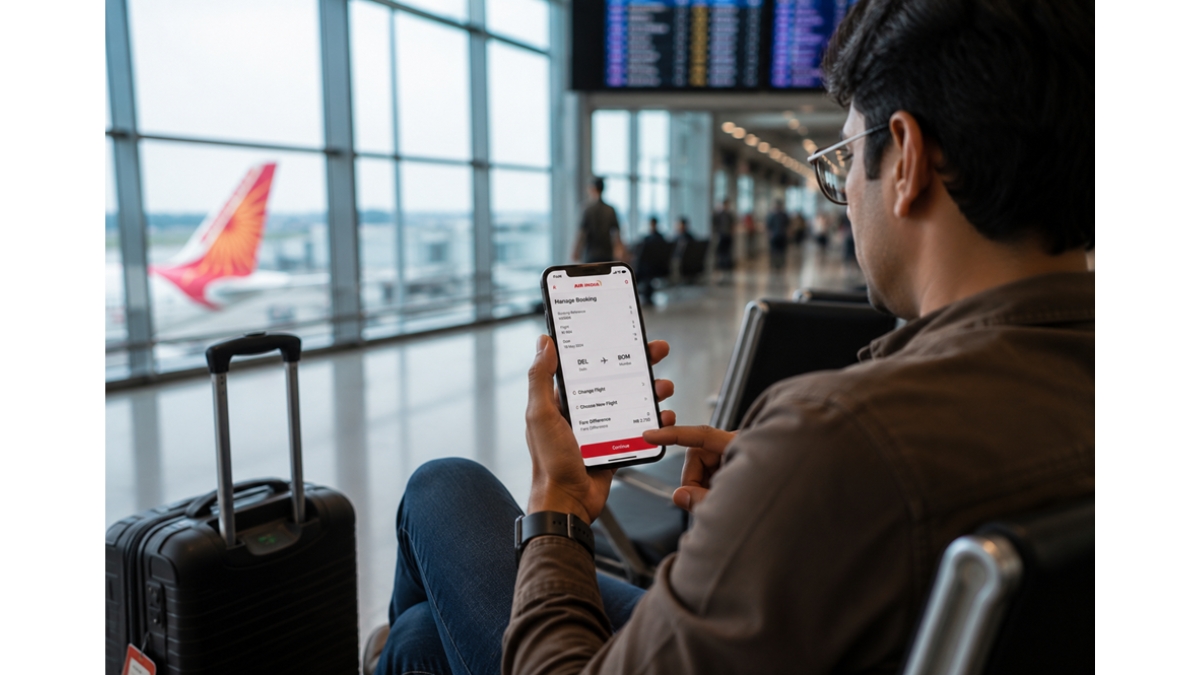
Can You Reschedule an Air India Flight After Web Check-In? Rules and Charges Explained
Air India passengers may be able to reschedule after web check-in, but fare rules, change fees, and check-in cancellation steps can affect the process.

Yes, Air India lets you manage bookings online after web check-in, but whether you can reschedule and what it will cost depends on your fare rules and the type of change you need to make. Also, you need to first cancel your check-in either online through the Air India Manage Booking portal, via the mobile app, or by contacting the customer support team.
The rescheduling process is slightly different from changing a regular booking, and there may be charges involved, but it can usually be done.
Here’s what you need to know before you start making changes.
Start by checking whether your booking can be changed
Before doing anything else, look at the fare conditions attached to your ticket.
If you booked a promotional or discounted fare, changing your travel date may cost more than you expect. Flexible fares, on the other hand, often offer lower change fees and, in some cases, additional benefits when plans change.
Spending a minute reviewing your fare conditions can save you time before you begin the rescheduling process.
Cancel your web check-in before changing the flight
This is the step many travellers don’t know about.
Once you’ve completed web check-in, the airline has already assigned your seat and processed you for that specific flight. Before any changes can be made, you’ll usually need to cancel the existing check-in.
You can normally do this through the Manage Booking section on the Air India website or app using your PNR and last name.
Once the check-in is cancelled, you’ll be able to access the flight booking and view available flight options.
If you’re unable to cancel the check-in online, contacting customer support is often the quickest solution.
Compare the available flight options carefully
After cancelling your check-in, you’ll be shown alternative flights.
Don’t rush through this stage.
Look at more than just the departure time. Compare the total fare difference, flight timings, and arrival times before making a decision.
Sometimes moving your journey by a few hours costs very little. Other times, especially during weekends or holiday periods, a small change can result in a significantly higher fare.
Taking a few extra minutes here can help you avoid paying more than necessary.
Understand the charges before confirming the change
Most travellers focus on the change fee and forget about the fare difference.
In reality, the fare difference is often the bigger expense.
Let’s say you booked a ticket several weeks ago at a lower price. If you’re moving to a flight that’s nearly full, you’ll likely need to pay the difference between your original fare and the current fare.
Depending on your ticket type, you may also need to pay a separate modification fee.
The final amount usually depends on:
- Your fare category
- The route
- The timing of the change
- The fare difference on the new flight
Always review the total amount before confirming the change.
Avoid waiting until the last minute
The closer you get to departure, the fewer options you’ll usually have.
Airlines generally have more seats available when you make changes several days before travel. Waiting until the final few hours often means dealing with higher fares and fewer alternatives.
If you already know your plans have changed, start looking at options as early as possible.
Even a one-day difference can sometimes affect both availability and pricing.
Know what happens if you miss the flight
Sometimes travellers don’t change their booking because they’re unsure of their plans.
That can become expensive.
If you miss your flight without modifying or cancelling the booking, the airline may classify you as a no-show. Once that happens, your options become much more limited.
Air India provides a limited no-show window during which you may still be able to modify or cancel your booking, but it’s always better to act before departure rather than after.
If there’s a chance you won’t travel as planned, don’t wait for the flight to leave before making a decision.
Consider your route before making changes
Not every route gives you the same flexibility.
If you’re flying on a busy route like a Ranchi to Delhi flight, you may find several departures throughout the day. That gives you a better chance of finding a new flight that works without completely changing your plans.
The situation is different on routes with only one or two daily flights. Miss your original timing, and your next option could be much later or even the following day.
Before you pay any change fee, spend a few minutes looking at the available alternatives. Sometimes shifting your trip by a few hours can work just as well as changing the entire date.
Decide whether rescheduling is actually worth it
Changing your flight isn’t always the best solution.
If your plans have changed completely, cancelling the ticket and applying for a refund may make more sense than paying to move the booking.
Open the Manage Booking section and compare your options before making a decision. Depending on your fare type, the cost of changing a flight can sometimes be surprisingly close to the cost of booking a new one.
If you booked through a travel agent or third-party website, contact them directly. They control the booking and will need to process any changes, cancellations, or refund requests on your behalf.
Check the details of your new flight
Changing your flight is only half the job. Once the new booking is confirmed, spend a minute looking through the updated details. A different flight may mean a different departure time, seat, or even terminal.
It’s also worth checking what happened to any extras you paid for earlier. Seat selections, meals, and baggage add-ons don’t always carry over automatically when a booking changes.
Before you leave for the airport, take one final look at your booking. You’re not looking for problems. You’re simply making sure the flight you’re planning for is still the flight you’re actually taking.
Final thoughts
Yes, you can reschedule an Air India flight after web check-in. The key thing to remember is that you’ll usually need to cancel your check-in first before making any changes.
As soon as you know your plans have changed, start looking at your options. You’ll generally find more available flights, lower fare differences, and fewer headaches than if you wait until the last minute.